Planforce Budgeting
From budgeting and approval to actual-vs-budget analysis and rolling forecast, one platform keeps your enterprise budget consistent, fast and accurate. AI boosts every step — but the final call is always yours.
The problems you face today
Budgeting is slow and definitions drift; hundreds of budget forms are reviewed one by one — even the low-risk ones; you want AI to speed things up, but fear it will change the books with no one accountable.
One platform for the whole budget cycle — plan, approve, review
Slow budgeting, drifting definitions, hundreds of forms reviewed one by one, actuals that don’t reconcile — Planforce puts the whole budget process (planning, approval, actual-vs-budget analysis, rolling forecast) on one platform: consistent definitions, a controlled closed loop.
How Planforce makes it simple

Config-driven modeling — change config, live instantly
Connect a new data source or add an approval action by filling in a form — business / implementation staff make it live with no code and no release. This is the foundation for going live in weeks, self-served by the business.

AI autopilot — preview first, execute after
AI first lists “what to approve and what to hold” (nothing is changed yet); only after you confirm does it batch-approve. Only forms meeting a low-risk whitelist (e.g. submitted and variance ≤10%) can be auto-approved — the decision always stays with people.

AI brings the exceptions to you
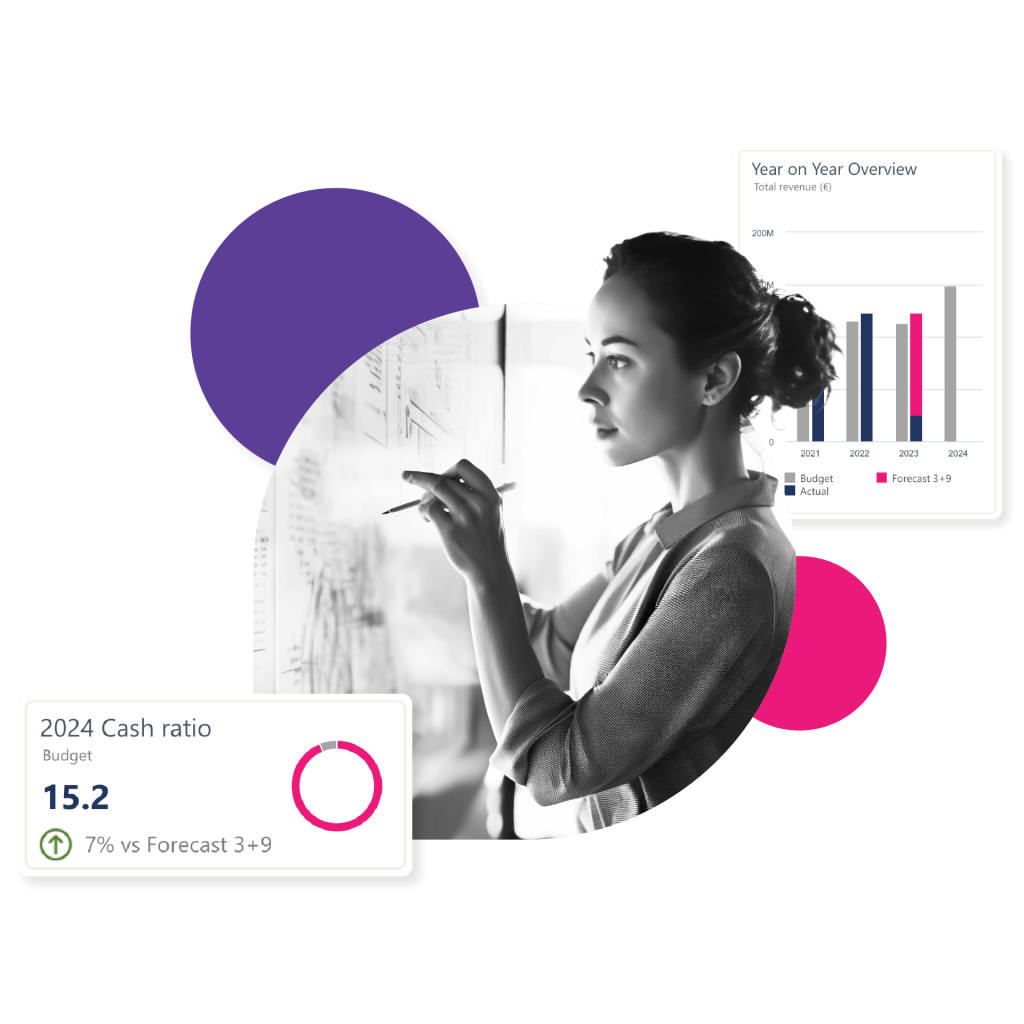
Entities / accounts with large actual-vs-budget deviations are listed automatically, and a budget morning brief is generated daily at 08:00 — you see only what matters, no digging through stacks of reports.
What it delivers
AI boosts every step — but you always make the call
All the AI capabilities below rest on one principle: AI only proposes, people confirm, everything is logged and reversible. It removes repetitive work, but never makes the decision for you.
Governed write-core: AI only proposes, people decide
Every write to budget data is funneled through a single governed gateway — neither AI nor the system can bypass it. So “letting AI help change the budget” goes from never-trust to safe and auditable — the key to making something powerful controllable.
AI budget autopilot: preview, then execute
Hundreds of budget forms reviewed one by one, even the low-risk ones — autopilot hands the repetitive work to AI and keeps the decision with people.
- Only forms meeting a programmatic low-risk whitelist (e.g. status=submitted and absolute variance ≤10%) can be auto-approved; change the config to change the standard — AI cannot bypass it.
- A daily 08:00 schedule runs the budget morning brief and the autopilot preview.
- The LLM only writes reports and never decides whether something can execute.
No-code ontology config: change config, take effect
A fully no-code layer that configures “what business objects AI knows, where it pulls data, and what actions it can take” — the foundation for going live in weeks, self-served, without depending on consultants.
Core capabilities (by maturity)
| Capability | Maturity | Notes |
|---|---|---|
| AI governed write-core | Production | Single governed gateway, propose→confirm→write, 6→1 paths, zero-bypass |
| AI budget autopilot | Production | Dry-run preview → human-confirmed execution, programmatic low-risk whitelist |
| Budgeting / approval / variance | Production | Form-filling + validation + write-back via gateway; a person “publishes to final” |
| No-code ontology config | Production | Objects / relations / declarative connectors / action whitelist, all via UI |
| AI assistant / variance / brief | Production | NL Q&A, auto-explain deviations, daily 08:00 budget morning brief |
| Multi-dim analysis / dashboards | Production | Actual-vs-budget, cost drill-through, margin attribution, data-driven dashboards |
| Rolling forecast / what-if sandbox | Demo | Scenario reasoning & driver linkage; data is demo-level |
| Time-series forecast | Demo | Multiple statistical models auto-selected + backtested |
| Full allocation engine | Roadmap | Cost pool / driver / step / reciprocal / order (basic write-back already works) |
| Conditional routing / parallel sign-off | Roadmap | Linear approval chain in use; conditional routing / sign-off are design-stage |
| Multi-GAAP reports (US GAAP / IAS) | Roadmap | Roadmap |
AI surfaces what matters
Live in weeks, not half a year
A lightweight architecture plus no-code configuration is the structural reason for “live in weeks” — it removes the traditional modeling scripts.
Customers: 200+ enterprises, 15 years of expertise
Flagship implementation: a major agriculture group — an integrated budgeting + consolidated-reporting platform with an AI capabilities demo. 〔pilot model data〕
FAQ
No. In Planforce AI can only “propose” — every write goes through a single governed gateway, is validated and fully logged, the official version requires human confirmation, and any change can be rolled back with one click.
Equally powerful, but simpler and faster — config-driven modeling, live in weeks, with an auditable AI governance process; rather than half-year implementations that depend on consultants. (Implementation speed and governance are production-grade; comparison scores are our own self-assessment.)
With a lightweight architecture and no-code configuration, a typical budgeting scenario goes live in weeks (vs. half a year or more for foreign EPM).
Autopilot first shows a “preview” of what it plans to approve (nothing is changed); it executes only after you confirm, and only forms meeting a programmatic low-risk whitelist (e.g. submitted and variance ≤10%) can be auto-approved — the decision always stays with people.
Designed for localized / domestic environments, it supports public cloud, private and domestic-stack deployment, adapting to your IT requirements.
Built on a lightweight OLAP engine, budget dimensions and calculation logic are fully configurable, supporting top-down / bottom-up / hybrid budgeting.
